Sentiment characteristic
Sentiment tokens provide visual cues that help guide users through an interface by suggesting potential outcomes and evoking specific feelings. Each sentiment—accent, neutral, positive, negative, and caution—can be used to reinforce meaning, highlight important elements, or influence user perception. By applying sentiment tokens thoughtfully, you create interfaces that are more intuitive, engaging, and emotionally resonant for users.
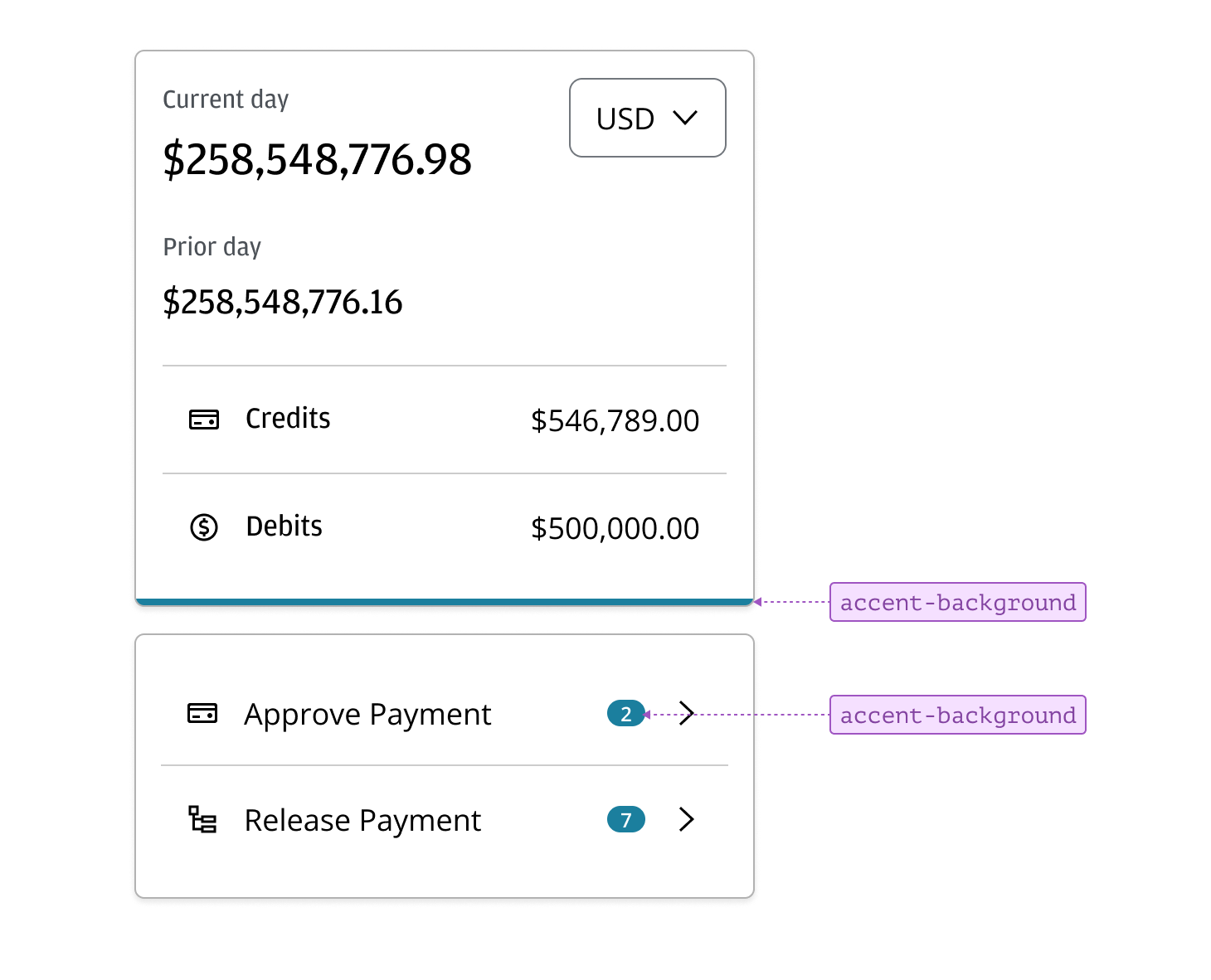
Accent sentiment tokens are used to highlight key elements within an interface by applying the dominant theme color. They help important components—such as active tabs or accent bars—stand out and draw attention, reinforcing visual hierarchy and guiding user focus.
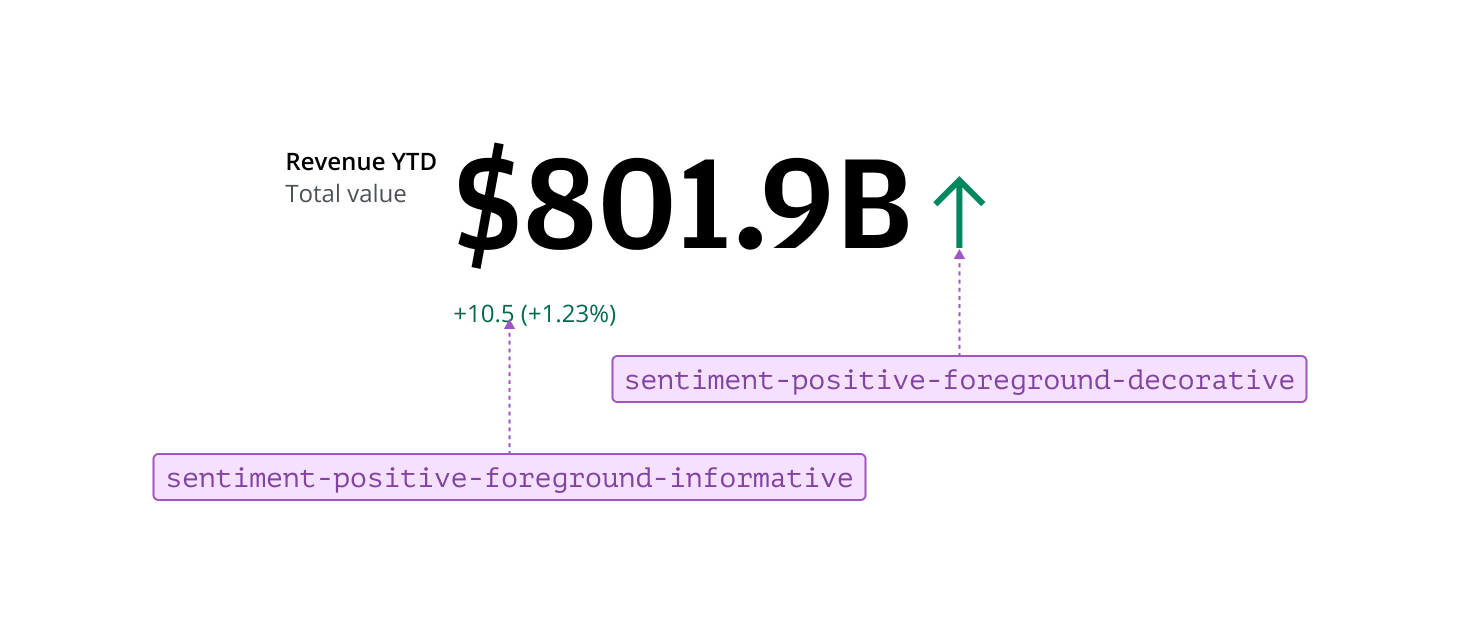
Positive sentiment tokens indicate information representing a positive statement, data point or outlook. Use these tokens to visually reinforce positive changes or outcomes, such as a KPI with an upward percentage change in a Metric pattern. Applying positive sentiment helps users quickly identify and understand encouraging results within your interface.
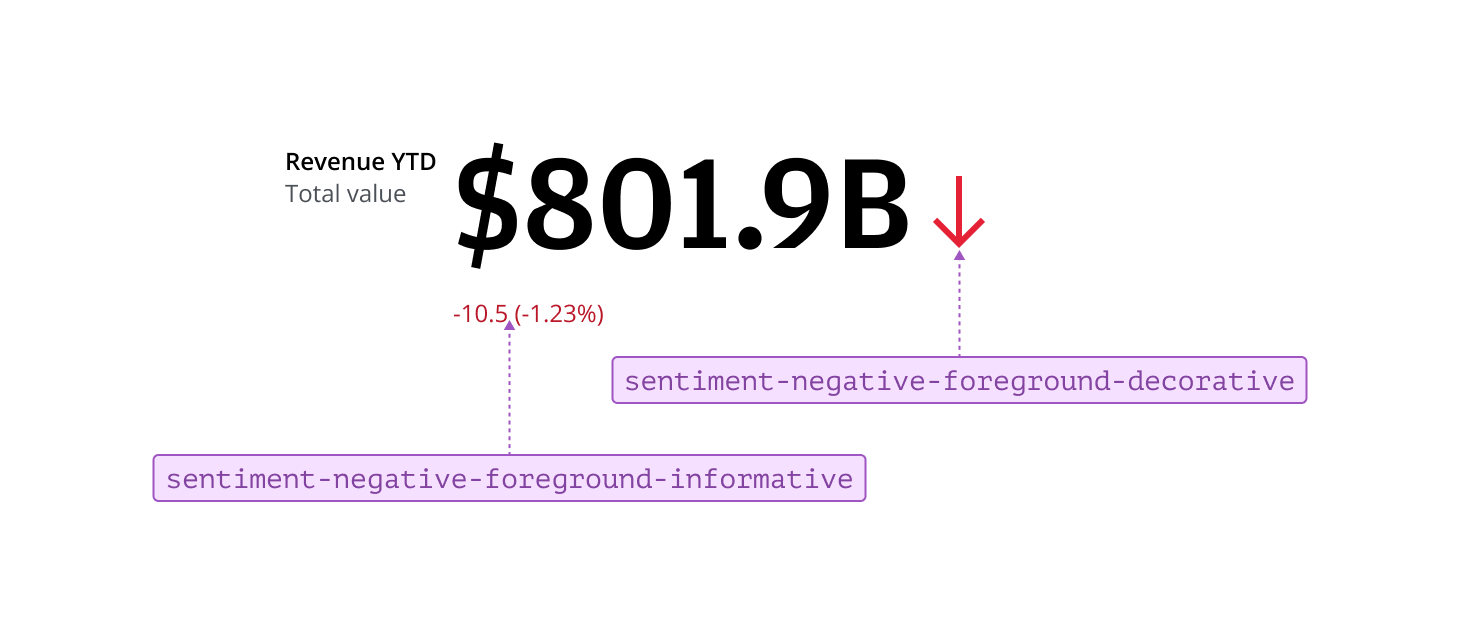
Negative sentiment tokens indicate information that represents a negative statement, data point, or outlook. Use these tokens to visually reinforce negative changes or outcomes, such as a KPI with a downward percentage change in a Metric pattern. Applying negative sentiment helps users quickly identify and understand areas of concern or decline within your interface.
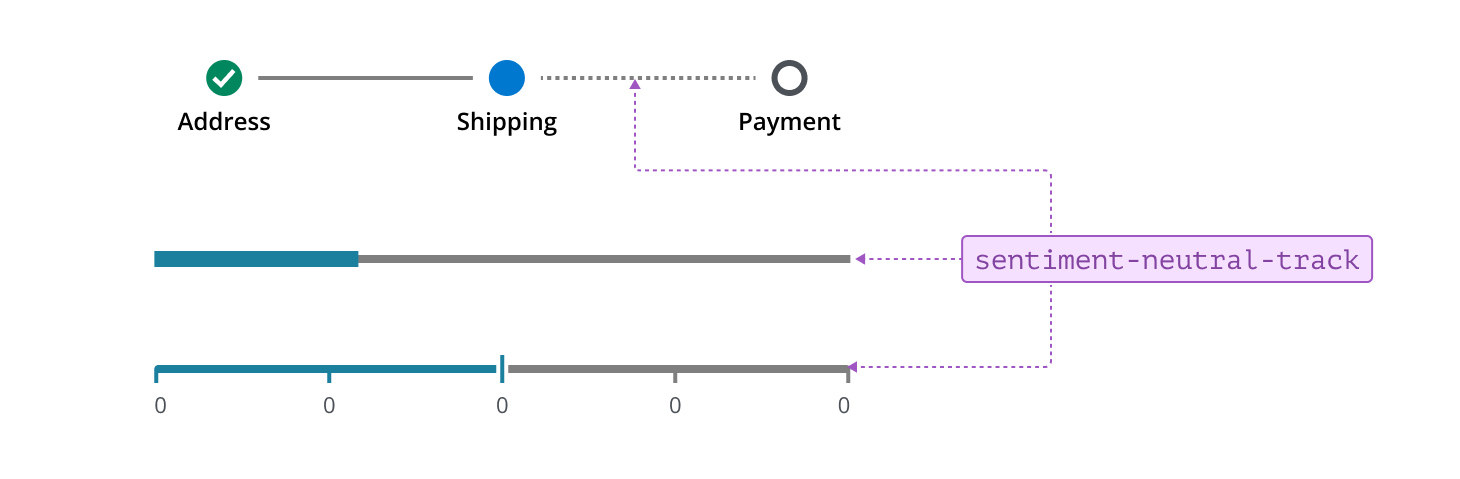
Tracks are considered neutral as they represent progress, range, or completeness in components where the track itself does not convey a specific sentiment or status. In Salt, this includes the Step Connector in Steppers, as well as tracks in Sliders and Progress indicators. The neutral track provides a clear, unobtrusive visual path that helps users understand their position within a process, select values within a range, or monitor the status of ongoing operations—without indicating any particular outcome or status.
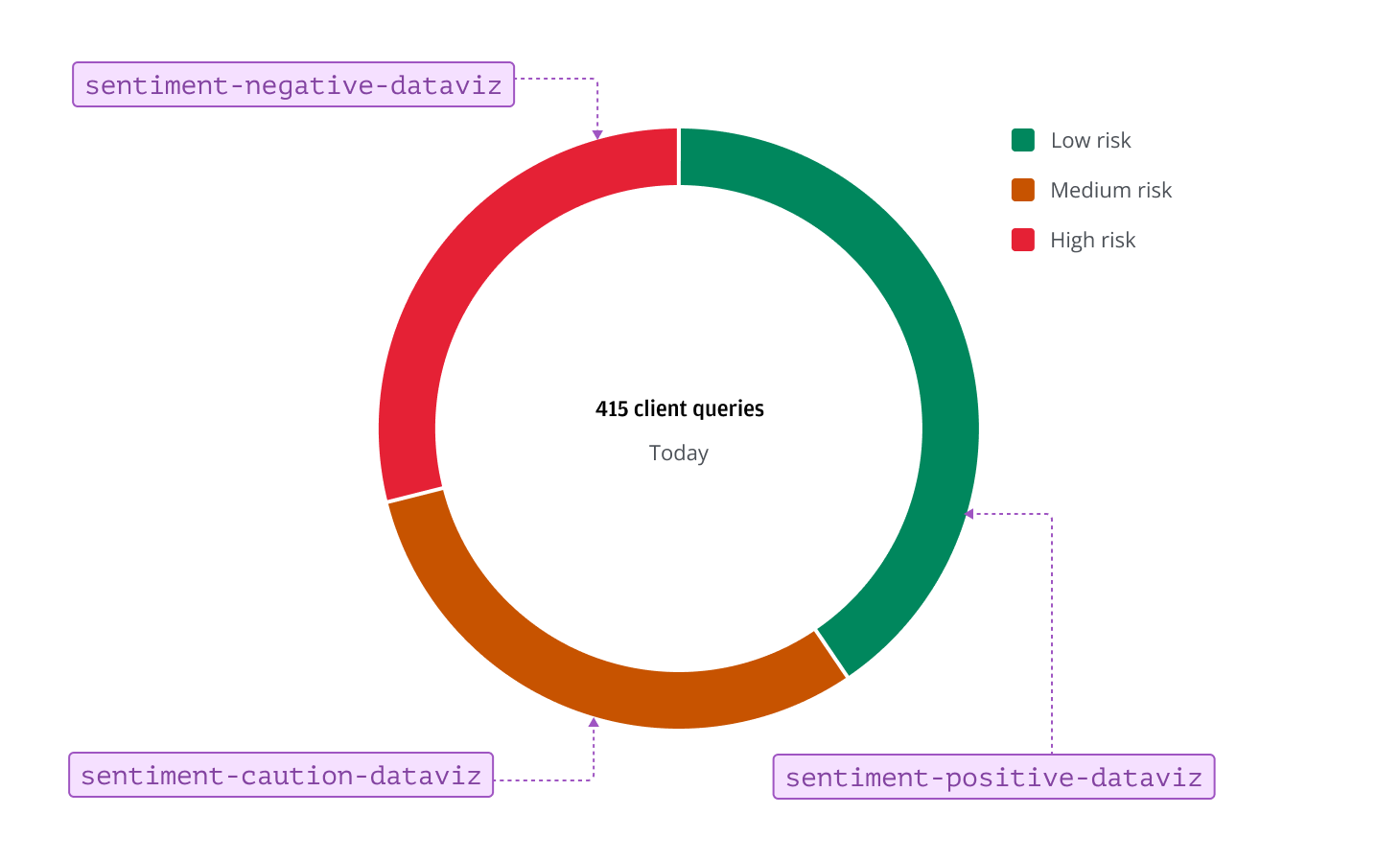
In data visualization, positive, negative, and caution sentiment tokens can be used to indicate levels of risk or urgency. These tokens help users quickly assess the status of key metrics, highlighting safe, cautionary, or critical areas within charts. Applying sentiment tokens in this way supports clear, immediate understanding, enabling users to prioritize actions and make informed decisions.
For more information, refer to the color usage section in the data visualization foundation.
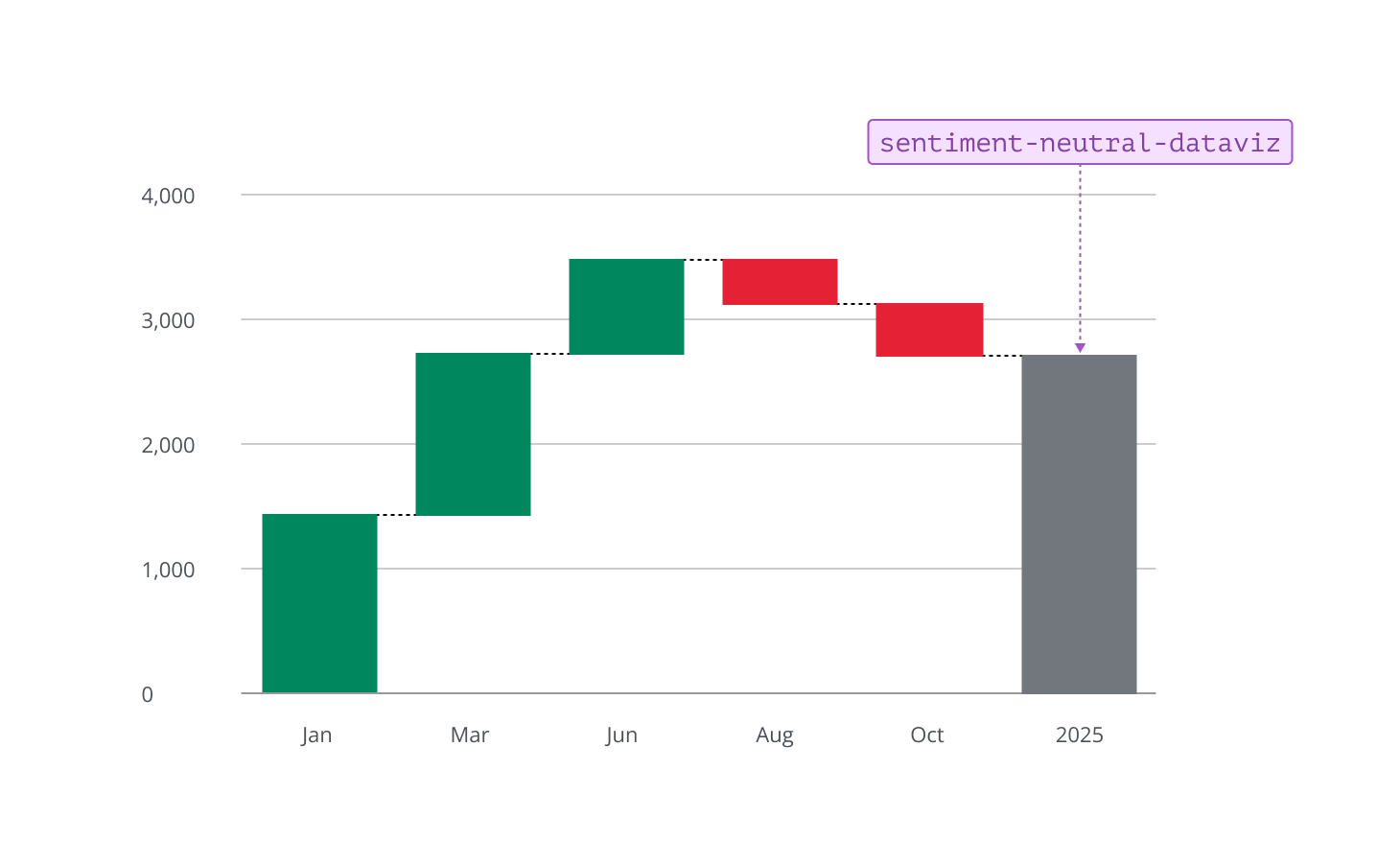
The neutral dataviz token is used to style data points that are informational or baseline, rather than positive or negative. For example, in a waterfall chart, it can represent the total or net value after all increases and decreases have been accounted for. In other chart types, the neutral dataviz token can highlight reference lines, averages, starting values, or benchmarks. Using this token helps distinguish factual or reference data from values that convey sentiment, supporting clarity and balance in your visualizations.